 FREE
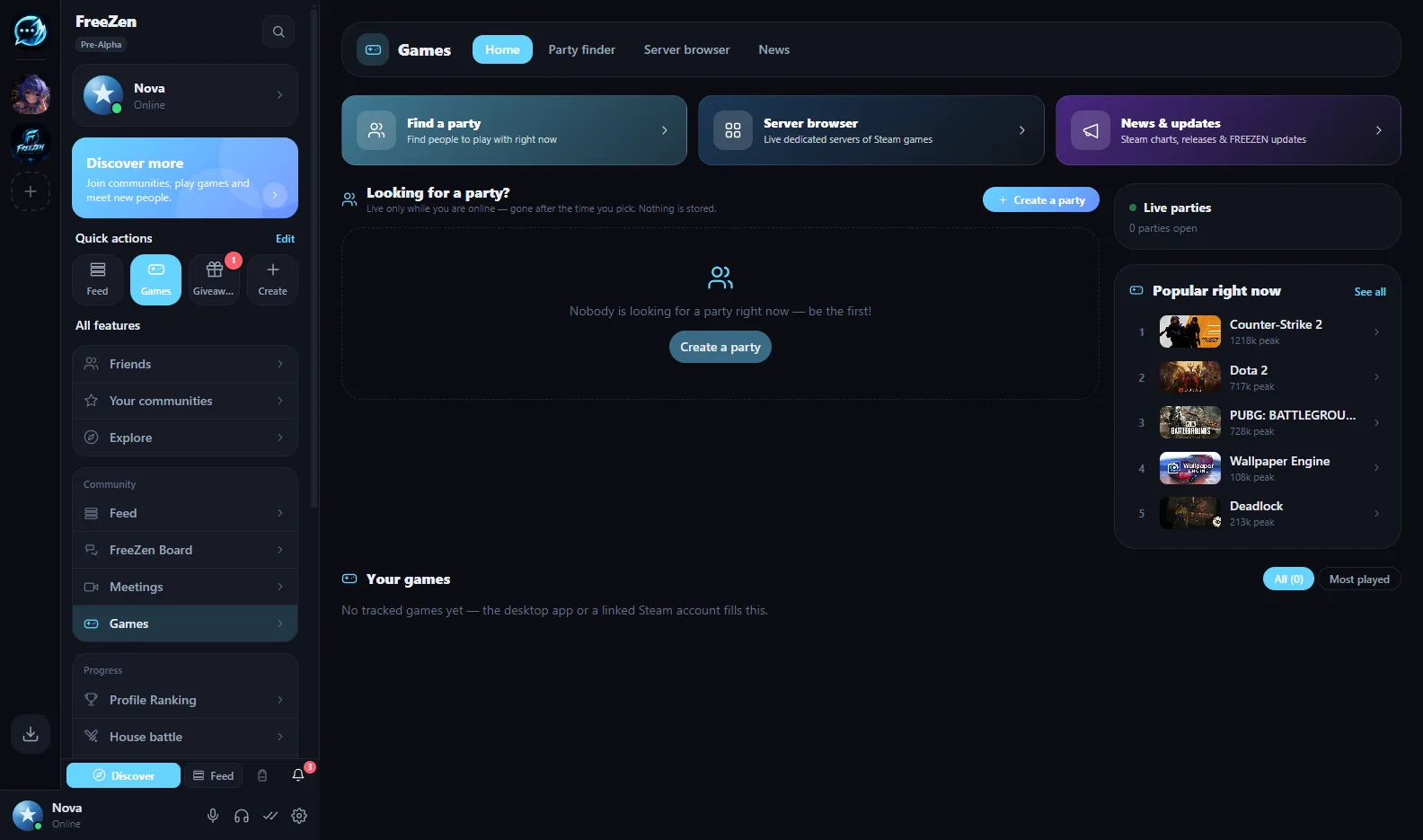
Built for teams that want to own their communication
- Companies & SMBs
- Agencies
- Studios
- Clubs & associations
- Esports organisations
Why FREEZEN
Three promises instead of fine print
Your workspace, your server
Every FREEZEN workspace is its own server instance. Run it yourself, inside your network, or let us host it in the EU — your data stays where you decide.
Private by default
Direct and group messages are encrypted on the device. The server only relays ciphertext — not even we can read them.
Pay for infrastructure, not seats
Using FREEZEN is free. You only pay for hosting or extra storage — adding your tenth or hundredth colleague costs nothing extra.
Features
Everything your team talks about, in one place
Chat, calls, meetings and structure — the everyday tools of internal communication, without the bloat.
Channels & categories
Text and voice channels grouped by team, project or client — with private channels for confidential topics.
Voice & video calls
Crystal-clear VoIP, video calls and group calls with camera — peer-to-peer or through your own media server.
Meetings with invite links
Meet-style rooms with a camera grid and screen sharing. Share an invite link that stays valid for 24 hours.
Screen sharing up to 4K
Present designs, code or dashboards in sharp detail. For many viewers, your server’s SFU distributes the stream.
Files & transfers
File uploads in channels with a storage quota per server, plus direct peer-to-peer transfers in DMs up to 500 MB.
Roles & permissions
Custom roles with fine-grained permissions per channel, plus a co-owner role so the workspace never depends on one person.
Forum channels
Structured threads with tags for support, documentation, decisions and Q&A — instead of endless chat scroll.
Whiteboard channels
A shared canvas for brainstorming, sketches and planning, right next to the conversation.
Event calendar
Plan all-hands, trainings and match days in the workspace calendar everyone can see.
Announcement channels
Company news where it belongs: read-only channels for official updates.
Moderation & audit log
Built-in AutoMod bot and an audit log that records who changed what in your workspace.
Onboarding flow
New colleagues get a guided start: rules, roles and the right channels from day one.
Comparison
FREEZEN vs. Microsoft Teams
An honest comparison. Teams is a mature product with deep Office integration — FREEZEN wins where control, privacy and cost matter.
| Microsoft Teams | FREEZEN | |
|---|---|---|
| Where your data lives | Microsoft cloud | Your own server — self-hosted, on-premise or EU-hosted |
| End-to-end encrypted chats | Not for chats by default | Yes — direct and group messages, by default |
| Price model | Per-user licence | Free to use — you pay for hosting, not per seat |
| Self-hosting | Not possible | One-line installer, signed automatic updates |
| Call media routing | Microsoft infrastructure | Peer-to-peer or your own server’s SFU |
| Operator & jurisdiction | Microsoft (USA) | Germany (GDPR) |
| Office, SharePoint & Outlook integration | Deep, native | None — use your existing tools alongside |
| Maturity | Established enterprise product | Open beta, evolving fast |
| Native apps | Windows, macOS, iOS, Android, web | Windows, Linux, Android, browser — no iOS app yet |
Our honest advice: if your company lives in Word, Excel and SharePoint every day, Teams fits that world better. If you want private, independent team communication without licence costs, FREEZEN is built for you.
Security & privacy
Privacy by architecture, not by promise
FREEZEN is designed so that your confidential conversations never become someone else’s business model. No certifications we don’t have, no buzzwords — just how it actually works.
Read the privacy policy →Direct and group messages are encrypted before they leave the device. The server stores and relays ciphertext only.
Calls and screen shares run peer-to-peer or through your own server’s SFU — never through a central FREEZEN media server.
FREEZEN is built and operated in Germany. Managed hosting runs on EU infrastructure.
Our business is hosting, not your data. There are no ads, no tracking and no data sales — ever.
Self-hosted servers receive signed, automatic updates, so you know exactly what runs on your machine.
Accounts can be deleted at any time from Settings, with a one-week grace period. No vendor lock-in.
Deployment
Run it the way your IT wants
Three ways to operate your workspace — the app and its features are the same in every one.
Self-hosted
Run FREEZEN on your own Linux server with a one-line installer.
- Free forever
- Signed, automatic updates
- Full root access, full control
Managed hosting
We run your workspace server on EU infrastructure — you get the admin portal, we handle operations.
- Setup, updates & monitoring by us
- Storage and SFU per package
- Admin portal for owners
On-premise
FREEZEN runs entirely inside your own network, for maximum data sovereignty.
- Nothing leaves your network
- Signed update bundles
- Set up together with us
Pricing
No per-seat licences
Using FREEZEN is free. You only pay for hosting your workspace server or for extra cloud storage — the price doesn’t grow with your headcount.
Light
€3/ month
Managed hosting on EU infrastructure
- 5 GB storage
- Peer-to-peer calls, no SFU
Standard
€6/ month
Managed hosting on EU infrastructure
- 10 GB storage
- SFU for up to 10 participants
Pro
€15/ month
Managed hosting on EU infrastructure
- 25 GB storage
- SFU for up to 25 participants
An admin portal for owners
Keep an eye on storage, decide who gets SFU capacity and manage members and roles — without touching a command line.
On every desk
Desktop apps for Windows and Linux, an Android app and the full app in every modern browser. A native iOS app is not available yet.
FAQ
Frequently asked questions
Can FREEZEN replace Microsoft Teams for us?
For internal chat, voice and video calls, meetings, screen sharing and structured channels: yes. If your workflows depend on deep Office, SharePoint or Outlook integration, FREEZEN does not offer that — many teams use it alongside their existing office tools.
What does FREEZEN cost for a company?
Using FREEZEN is free, with no per-seat licences. You only pay for hosting your workspace server or for extra storage. Managed packages are planned from €3 per month; billing is coming soon, and pilot setups are free during the beta.
Where is our data stored?
On your workspace server — self-hosted, on-premise inside your network or managed by us on EU infrastructure. FREEZEN is operated in Germany under the GDPR, without ads, tracking or data selling.
Can FREEZEN read our messages?
Direct and group messages are end-to-end encrypted on the device; the server only relays ciphertext. Channel content lives on your own workspace server, and calls run peer-to-peer or through your server’s SFU.
Is FREEZEN ready for business use?
FREEZEN is in open beta: core features are in daily use and new ones ship fast, but it is not yet as mature as long-established enterprise suites. That is why we recommend starting with a free pilot and talking to us directly.
Which devices are supported?
Windows (Microsoft Store), Linux (AppImage), Android (APK) and every modern browser as a PWA. A native iOS app is not available yet.
Let’s talk about your pilot
Tell us what you are building and we will get back to you within two working days — usually faster. No sales scripts, you talk directly to the people who build FREEZEN.
- Pilot setups for free during the beta
- Pricing that scales with your community, not per seat
- Help with setup, roles and permissions
- German & English support
Prefer to try it yourself first? Create a free account